Temporary Email vs Email Alias: Differences, Privacy, and When to Use Each
Compare temporary disposable emails with email forwarding aliases. Learn the key tradeoffs in privacy, message retention, recovery, and daily usability.
As digital privacy awareness continues to rise, millions of internet users are seeking ways to stop handing over their primary personal email address to every website they encounter. Two of the most popular privacy tools in modern web security are temporary disposable email and email forwarding aliases.
While both approaches protect your personal mailbox from marketing spam and data leaks, they operate on completely different technical principles, offer distinct retention guarantees, and excel in different scenarios. In this comprehensive comparison, we examine how temporary email differs from an email alias, analyze the privacy and recovery tradeoffs of each, and provide a clear decision framework for when to use which tool.
Understanding the Technical Architecture
What Is a Temporary Email Address?
A temporary email address (such as those provided by tempemails.site) is a completely self-contained, ephemeral inbox generated on demand. It requires zero user registration, no password, and no link whatsoever to your real identity or existing email accounts. Incoming messages are held in a web-based interface for a finite retention period (7 days on tempemails.site), after which all message contents and associated metadata are permanently erased from the server.
What Is an Email Forwarding Alias?
An email alias is a forwarding proxy or relay address (provided by tools like SimpleLogin, AnonAddy, DuckDuckGo Email Protection, or Apple's iCloud Hide My Email). It does not maintain its own separate inbox. Instead, when an external sender delivers an email to your alias, the forwarding service receives it, re-wraps the envelope, and forwards the message directly into your primary personal email inbox. You read the incoming mail inside your everyday email client (such as Gmail or Outlook).
Direct Comparison: Temp Mail vs. Email Alias
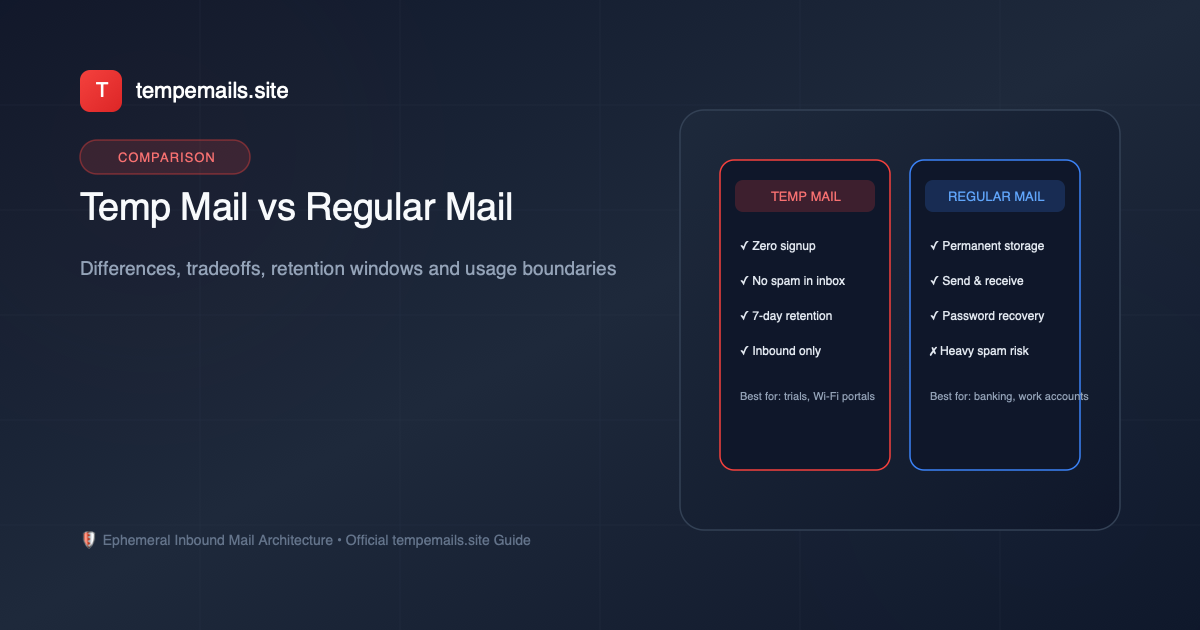
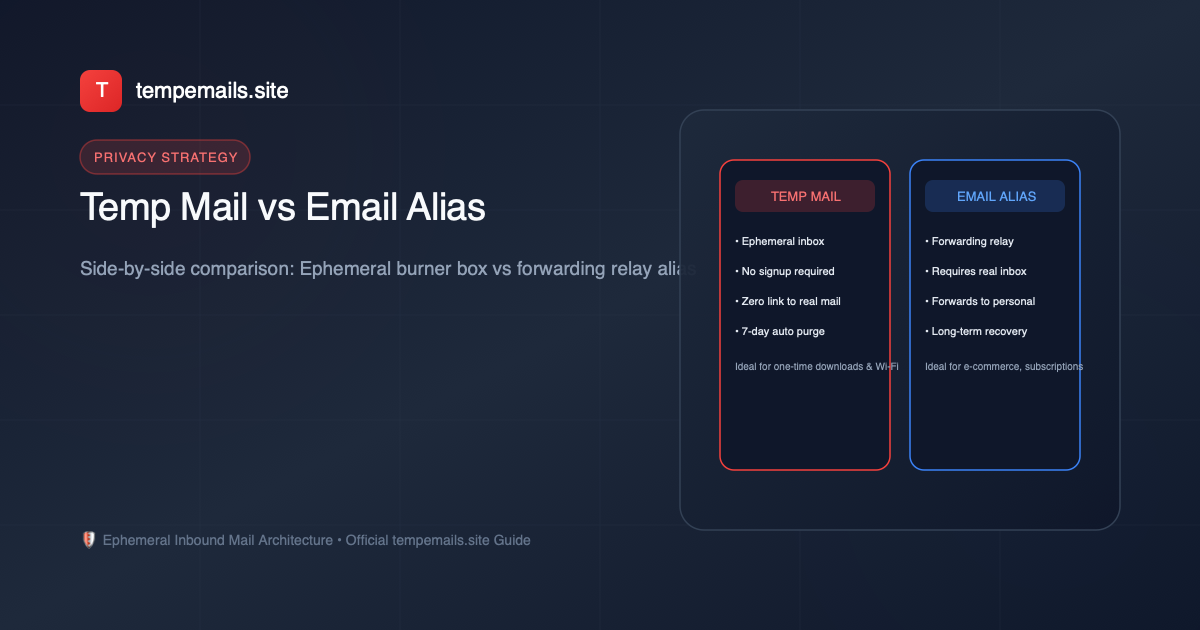
| Comparison Feature | Temporary Email (tempemails.site) | Email Forwarding Alias |
|---|---|---|
| Account Registration Required | No (Zero signup, instant) | Yes (Must create an account & link real inbox) |
| Connection to Personal Identity | 100% Isolated (Zero link) | Linked via the forwarding relay provider |
| Message Retention Window | Ephemeral (Auto-purged after 7 days) | Permanent (Stored indefinitely in your real inbox) |
| Long-Term Password Recovery | No (Addresses expire) | Yes (As long as the alias remains enabled) |
| Concurrent Inboxes Managed | Up to 5 active slots simultaneously | Unlimited aliases (depending on subscription) |
| Outbound Email Sending | No (Inbound only to prevent spam abuse) | Yes (Supported via reverse aliases on most relays) |
| Setup Overhead | Zero clicks to generate | Requires browser extension or app setup |
When to Choose Temporary Disposable Email
Temporary disposable email is the superior choice when your interaction with a third party is transactional, immediate, and carries zero long-term value:
- Public Wi-Fi Portals: When airport, hotel, or café captive portals demand an email address before connecting.
- Gated Content & Whitepaper Downloads: When you need a one-time verification link to read an eBook or research report.
- Testing Software & Apps: When QA engineers need to test user registration, invitation flows, and onboarding emails in staging environments. (See our guide on Temp Mail for QA and Testing).
- Evaluating Unverified Web Tools: When exploring unfamiliar forums, tools, or websites where you want complete session isolation.
When to Choose an Email Forwarding Alias
An email alias is the optimal choice when you intend to use a service over an extended timeframe, but still want to protect your true mailbox address:
- E-Commerce & Online Shopping: Tracking delivery updates, order receipts, and return confirmations over months.
- Ongoing Newsletters & Industry Subscriptions: Reading recurring weekly digests without exposing your primary inbox to resale lists.
- Services Requiring Ongoing Password Recovery: Accounts where you may legitimately need to request a password reset email a year from now.
When Neither Tool Should Be Used
Neither temporary disposable email nor email forwarding aliases should ever be used for core digital infrastructure. For the following categories, always utilize a secure, permanent email address with hardware-backed two-factor authentication:
- Banking institutions, brokerage accounts, and credit card services.
- Cryptocurrency exchanges and hardware wallet recovery phrases.
- Government tax portals, healthcare records, and legal communications.
- Primary domain registrar and cloud infrastructure administrative accounts.
Summary Decision Matrix
Ask yourself a single question: "Will I ever need to recover this account or read a message sent to this address 14 days from now?"
- If the answer is No, use tempemails.site for instant, zero-friction privacy protection.
- If the answer is Yes, use a forwarding email alias or a dedicated secondary mailbox.
Need a free disposable temporary email address?
Generate up to 5 concurrent inboxes with 1-click OTP extraction on tempemails.site.